The sun clears the ridge at a snow-sculpting festival and the piece in front of you changes character in about four minutes. What looked like grey stone at dawn turns luminous, the carved fins go almost transparent, and the scraped surface picks up a thousand tiny highlights. Your camera does not see it that way. It averages the whole bright scene, decides the snow is too bright, pulls the exposure down, and hands you grey slush with a white-hot facet and no detail in it at all.
The fix is not one magic setting. It is a handful of habits: measuring the light on the part that matters, choosing where to stand before you choose a lens, and knowing when to let the ice be brighter than the meter suggests.
Why hard winter light is both the best and the hardest light
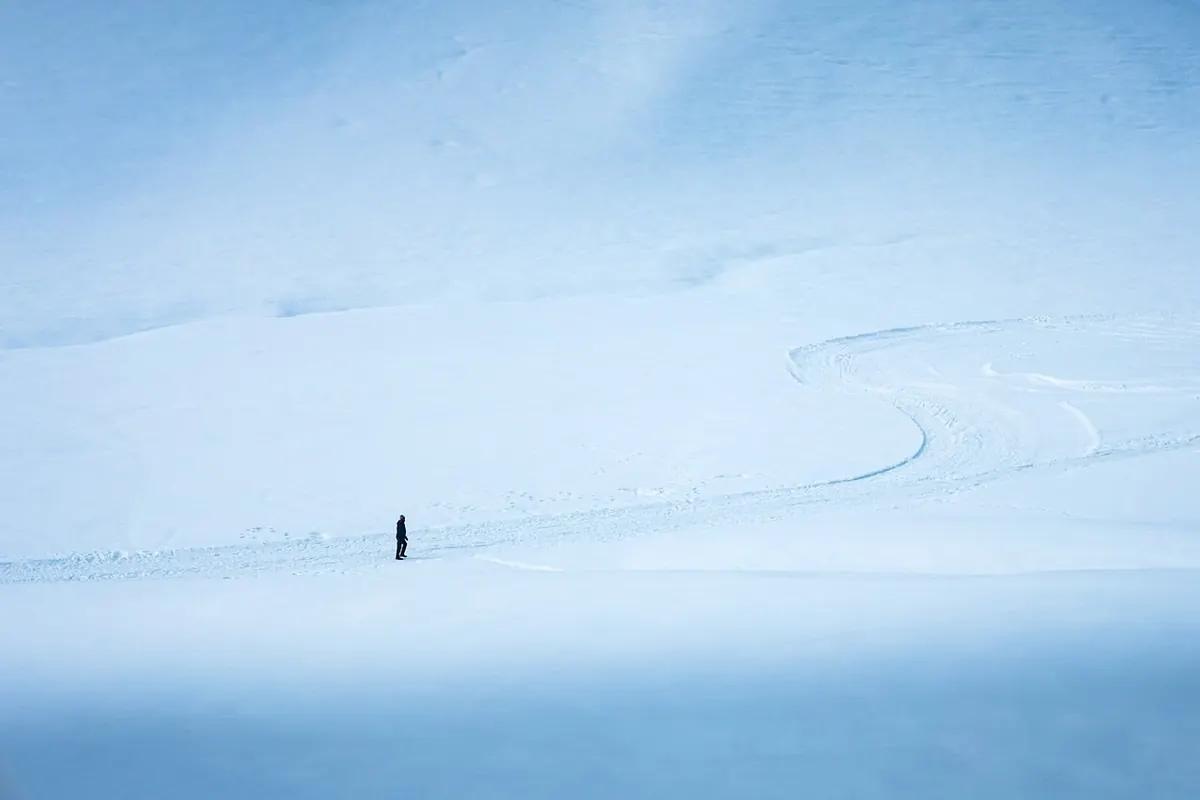
Snow is a gigantic reflector. A sunlit face of a sculpture can be several stops brighter than the shaded side of the same piece, and the camera has to fit both into one frame. On top of that, winter air is often very clear, which means hard shadows, crisp specular highlights, and very little atmospheric haze to soften the contrast.
That same clarity is the reason to go out at all. Flat, grey light records the shape of a sculpture but not its surface. Hard light shows grain, chisel marks, fractures and the wet sheen where the ice has begun to melt in the sun. You are not fighting the light so much as deciding which part of it you want to keep.
Read the histogram, not the snow
Your meter wants to turn everything into middle grey. Point it at a snowfield and it will underexpose by roughly a stop; point it at a sunlit ice facet and it will usually overexpose, because the brightest specular points are far beyond what the sensor can hold. So stop asking the meter for a verdict and start reading the histogram.
- Switch to spot or centre-weighted metering, or turn on the live histogram if your camera has one.
- Fill the frame with the brightest textured part of the sculpture. That means the sunlit carved surface, not the mirror-like glint on a wet edge.
- Adjust exposure until that area sits just below clipping. On the histogram the trace should touch the right-hand edge without stacking up against it.
- Lock the exposure and recompose. On a phone, tap and hold on that same bright surface to lock focus and exposure together.
- Look at the shadow side. If the carved detail has vanished, lift it with a white foam board, a sheet of card, or a friend in a pale jacket standing just out of frame. Bracket a stop either side if the scene is truly stubborn and blend later.
Exposure compensation numbers are worth knowing but not worth memorising. As a starting point, a wide snow scene usually wants plus two-thirds to plus one stop. A sunlit ice sculpture with hard specular highlights often wants zero or minus a third. The histogram decides, not the number.
Where to stand: backlight, rim light, reflected fill
The single best move with translucent ice is to put the sun behind it. Clear blocks, thin carved fins and frost flowers light up from the inside when the light comes through them, and the fractures you could not see from the front suddenly read like brushstrokes. Get the sun at roughly thirty to forty-five degrees off the camera axis rather than straight behind the piece, so the glow stays in the ice and flare stays out of the lens.
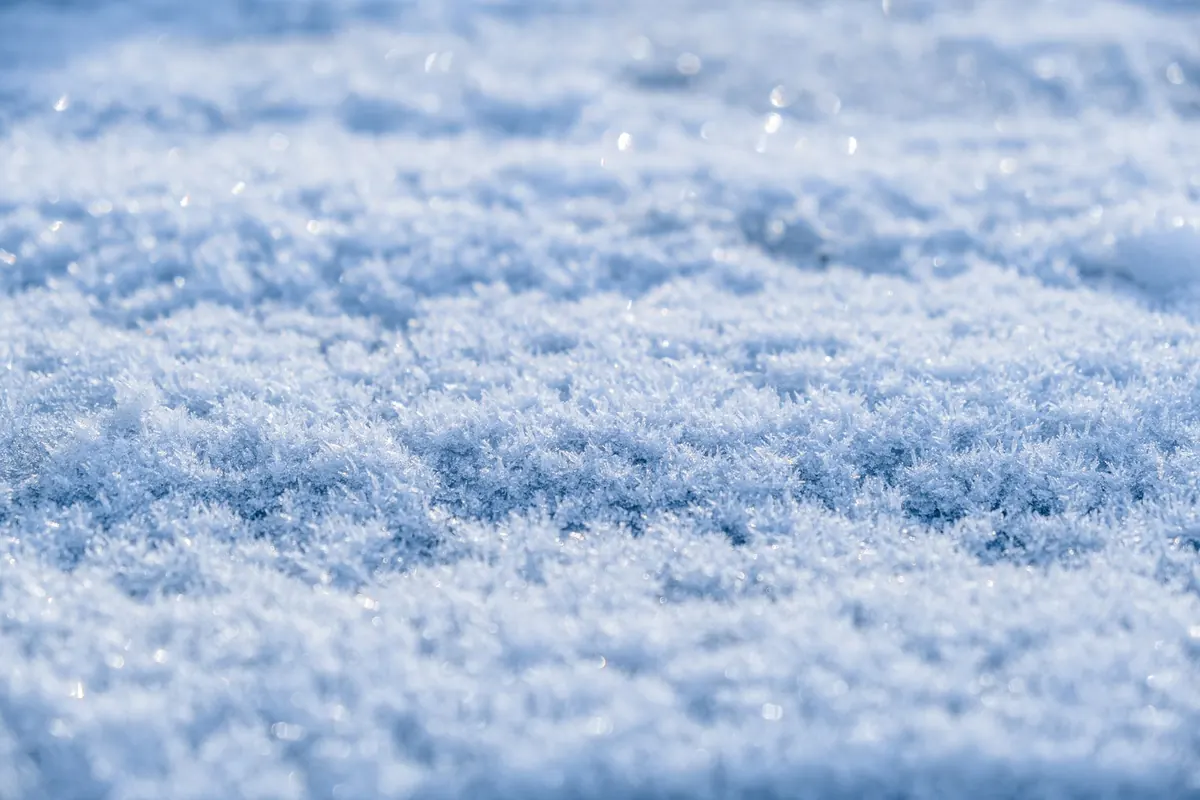
Raking side light does the same job for snow. When the sun is low, maybe ten or twenty degrees above the horizon, it skims across the surface and every crystal throws a small shadow, so the texture appears. Move two steps and it disappears again. This is why walking around a piece before you shoot beats fiddling with settings.
A polarising filter is genuinely useful here, with one caveat. Rotating it can strip the surface glare off ice and reveal the interior, which is often exactly what you want. Overdo it and you also kill the wet sheen and the sparkle. Rotate slowly, and take one frame with it working hard and one with it barely engaged.
Camera settings worth setting before you leave the car
- Format: RAW, or RAW plus JPEG. A blown highlight in a JPEG is gone; in RAW you can usually recover a good part of a stop.
- ISO: base, usually 100 or 200. Daylight on snow needs no more, and you will be lifting shadows later.
- Aperture: f/8 to f/11 for a whole sculpture, f/4 for carved detail. Avoid f/22 — diffraction softens fine frost texture.
- Shutter: 1/250 second or faster handheld. For drifting snow or spindrift off a ridge, 1/1000 freezes it and 1/30 on a tripod draws it as a streak. Both are valid pictures.
- Focus: single-point autofocus on the highest-contrast edge. When shooting into translucent ice, switch to manual and focus on an internal fracture, because autofocus will grab the front surface every time.
- White balance: daylight, fixed. Auto drifts between frames as you swing from sky to snow and back.
Phone settings for shiny, high-contrast subjects
Clean the lens first. A fingerprint that is invisible indoors blooms into a soft haze the moment the sun hits it. Then tap and hold on the brightest sunlit ice to lock exposure, and drag the little sun slider down about half a stop until the facet gets its texture back. That one gesture solves most of the problems people blame on their phone.
Turn off automatic night mode; in blue shade it can fire unexpectedly and smear fine detail in the process. Use the 2x or 3x lens rather than pinching to zoom, since the telephoto compresses the sculpture against the sky and avoids the mush of digital zoom. If your phone shoots RAW or a raw-style format, use it for anything you care about. Otherwise bracket three frames by dragging the slider between shots — one for the highlights, one for the shadows, one for the middle — and pick later.
Do not judge colour on the screen outdoors. Crank the brightness up and be honest that you are approximating. And keep the phone in an inside pocket between shots; cold batteries drop fast, and a dead phone at the best light of the day is a self-inflicted wound.
The blue in the shadows, and what to do about it
Shadows on snow and ice are blue, because they are lit by the sky rather than by the sun. This is not a mistake in your camera and it is not something to fully correct. Set daylight white balance, which is around 5500K on most cameras, and leave some of that blue in. It is the colour of the place.
Dense ice reads blue-green in its interior, while clear ice takes on whatever sits behind it. In editing, recover highlights modestly, add a little texture or clarity to the ice surface, and go easy on sharpening. Snow crystals are tiny and over-sharpening produces halos and a gritty look that reads as noise. Watch for purple fringing where carved edges meet a bright sky, and fix it in the raw converter rather than globally desaturating.
A short field checklist
- Two batteries, both kept warm, and a spare card.
- A lens cloth in a pocket, not in the bag.
- Polariser and lens hood; your free hand works as a flag against flare.
- Something white to bounce light — foam board, card, or a pale jacket.
- Walk the piece once before shooting and note where the sun will be in twenty minutes.
- Shoot the shadow side as well; it often holds the better carving.
- Ask before setting up a tripod where people are walking, and keep the base of the sculpture clear.
Then put the camera down for a moment and look at the piece in the light you came for. The best frame is usually the one you take after you have stopped fiddling and noticed which edge the sun is catching.
Photo: Junaidbulaki / Pixabay